
Budget and carry-over
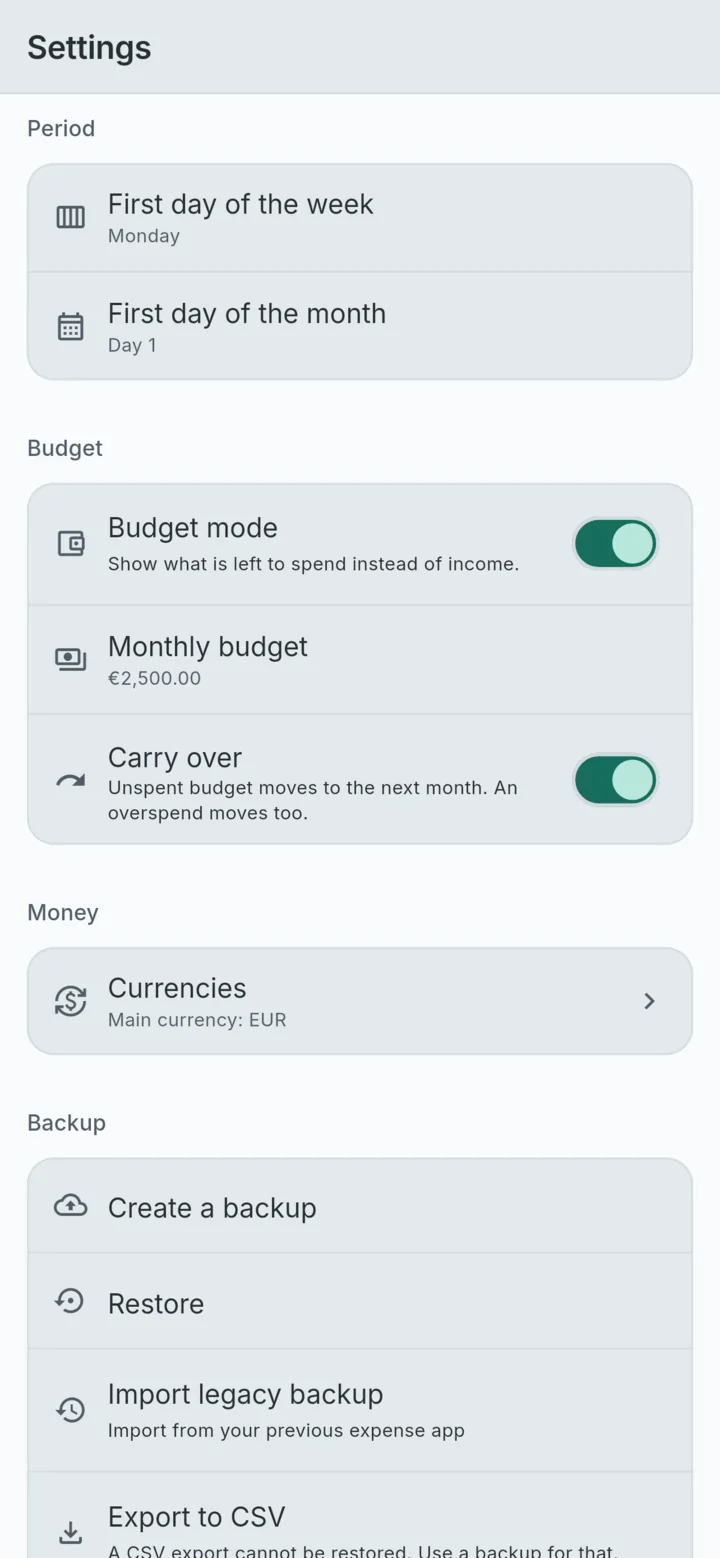
Budget mode shows what is left to spend this month. With carry-over on, what you did not spend moves to the next month, and so does an overspend.
An expense tracker that stays on your phone
Log a spend in the ten seconds after it happens. Read the month at a glance. No account, no ads, no subscription, and your records never leave the device.
Free on Android. iPhone and iPad coming soon.
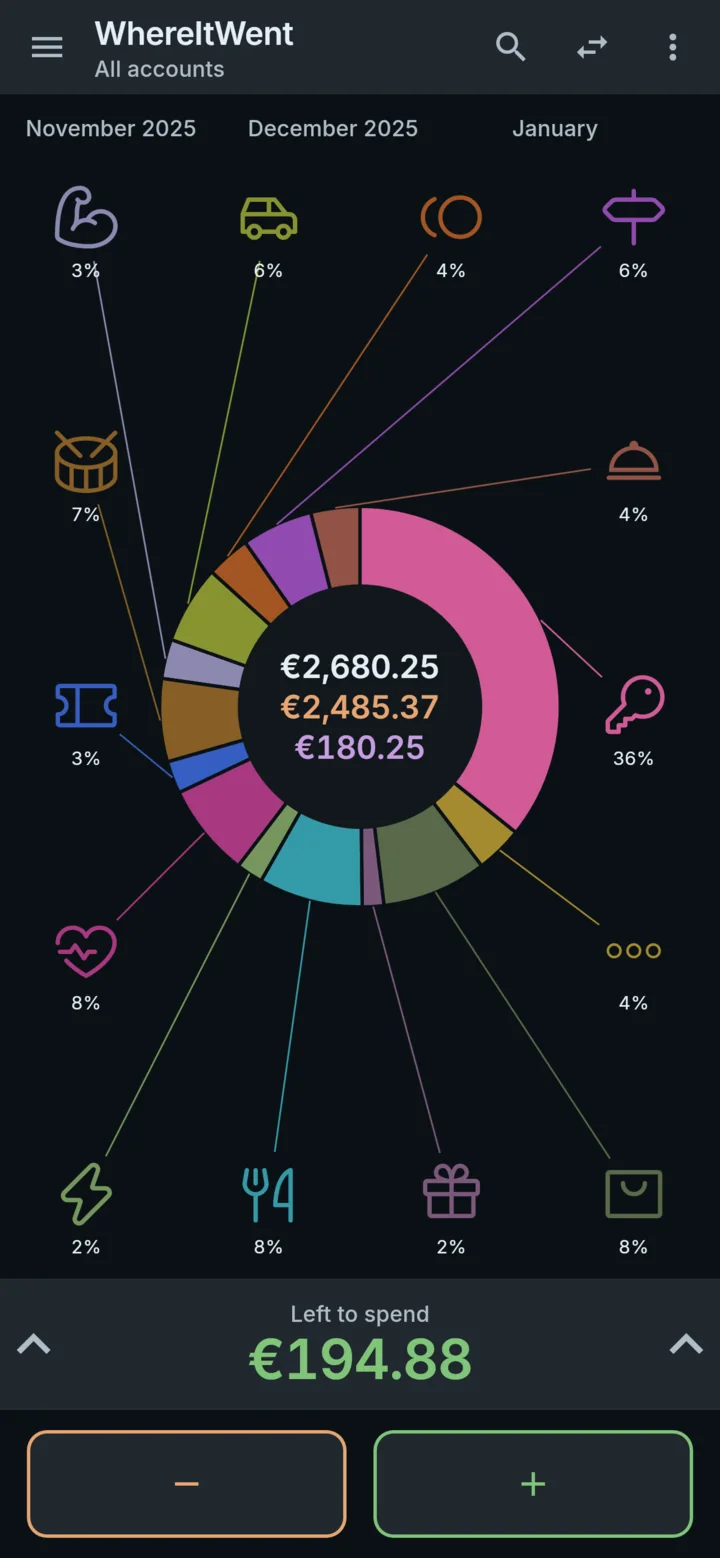
Sample dashboard · These records are examples. Nothing here is saved.
No accountOpen it and start.
No adsNothing to scroll past.
No subscriptionEvery feature is free.
No signal neededIt all runs on the phone.
Log in seconds
At the counter, in the car, walking away from the till. Logging a spend has to be quicker than forgetting it, so it is three taps and an amount.
1
Minus adds an expense. Plus adds income. Both sit at the bottom of the dashboard, under your thumb.
2
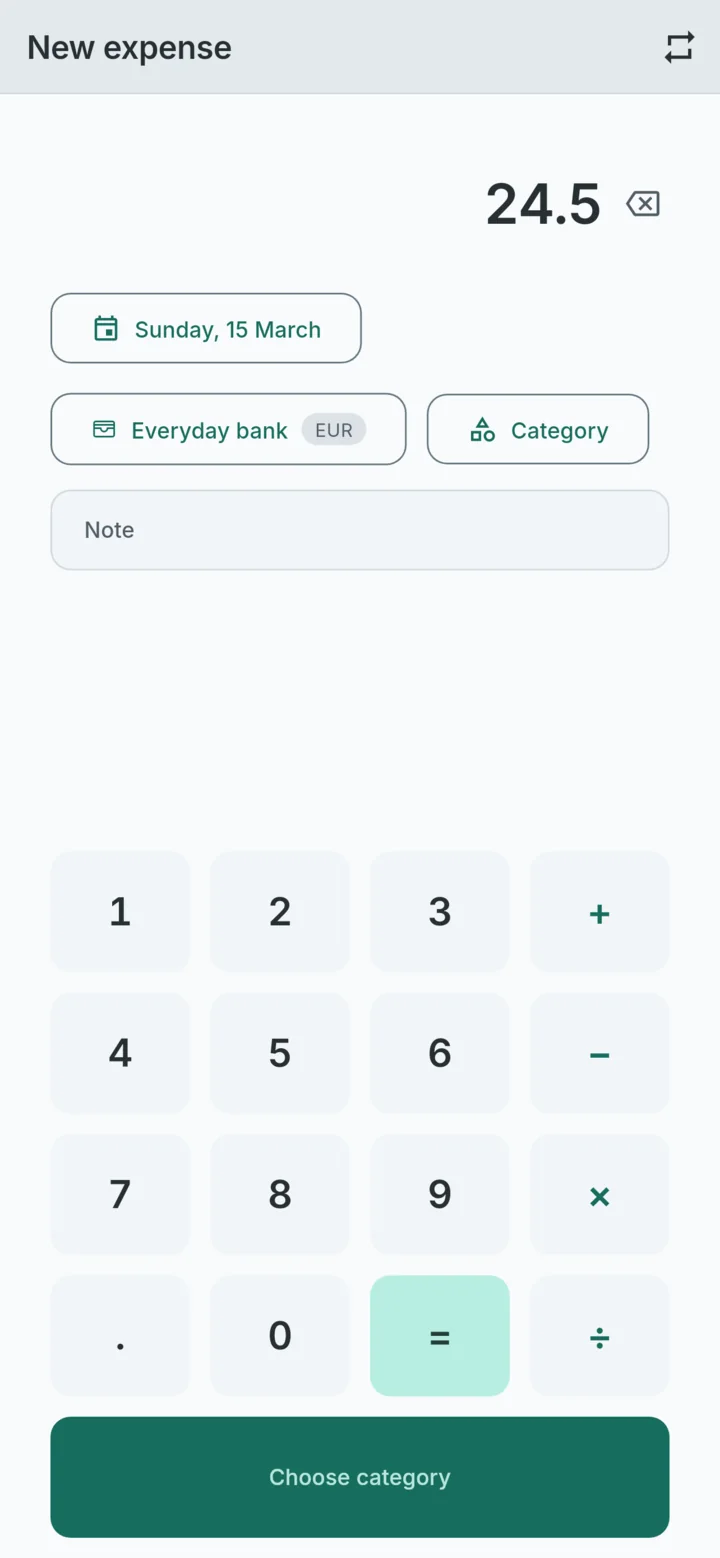
A calculator is built into the keypad, so a split bill or a round of three is worked out where it is typed.
3
The ones you use most come first. The record is saved the moment you pick, and Undo is right there if you need it.
Try it on the sample dashboard. A stopwatch runs from your first tap to the save.
The dashboard
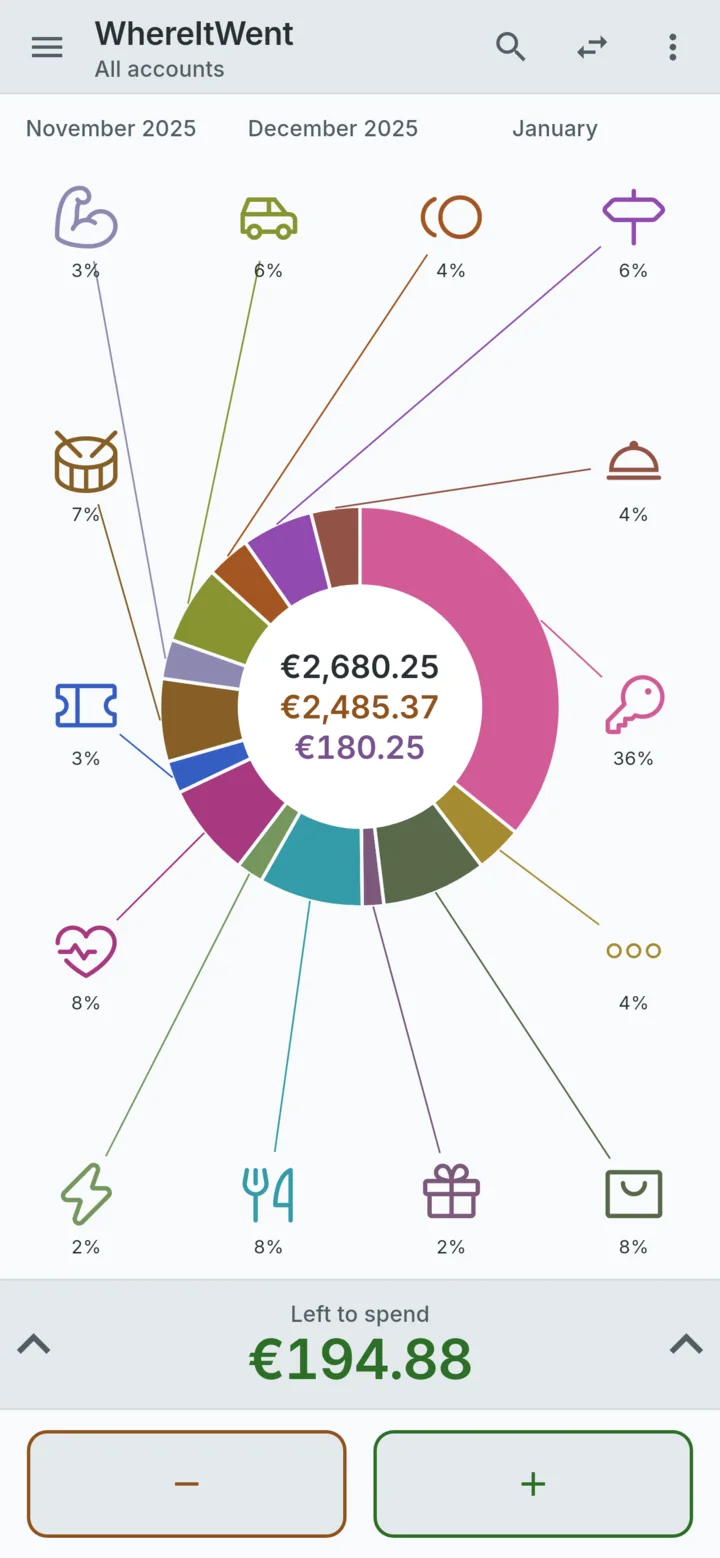
One ring, every category in its own colour and glyph. The biggest share is the biggest arc, and the totals sit in the middle.
Hold a category to see what it adds up to in the centre of the ring.
Swipe the ring for the period before or after. Choose a day, a week, a month, a year, all time or your own range.
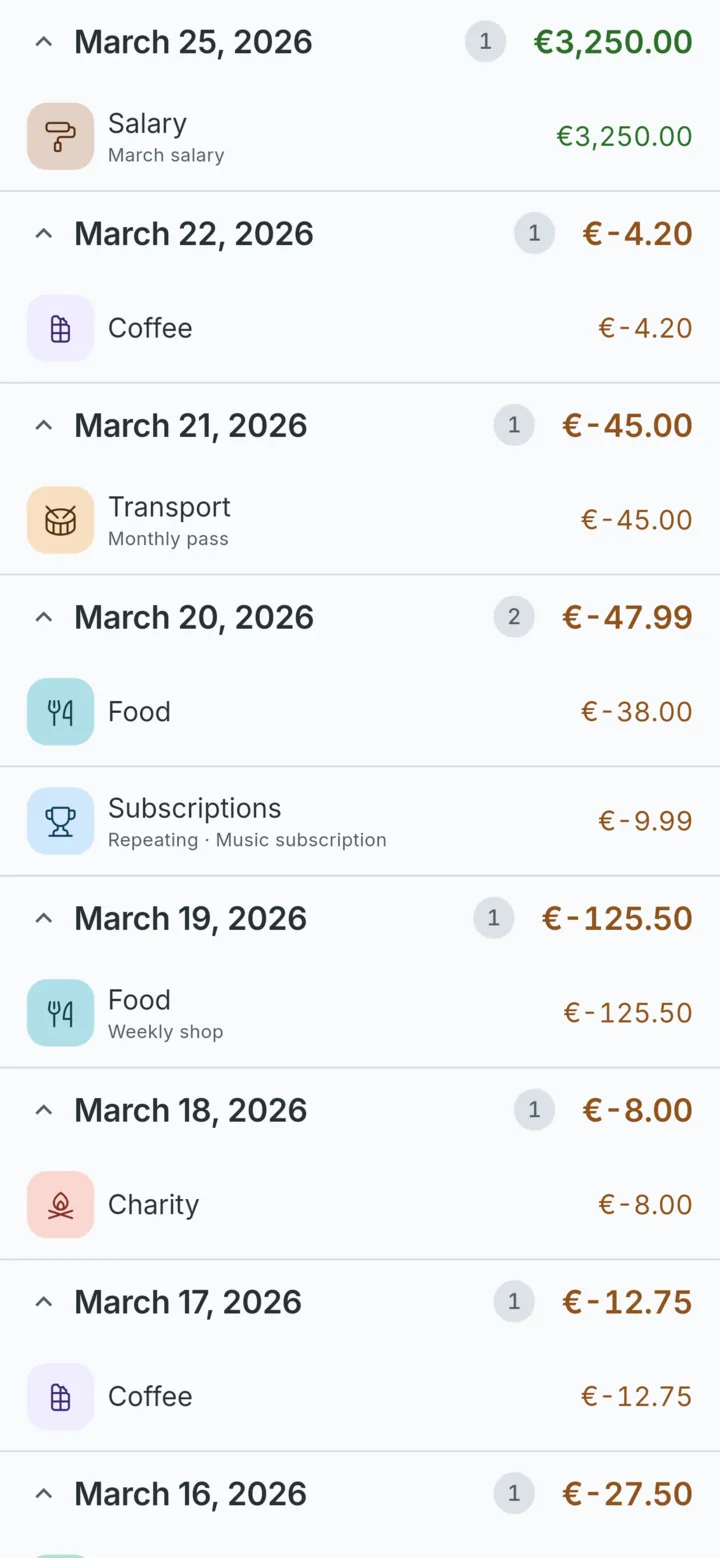
Pull up the panel for every record in the period, by category or by date, each day with its own total.
Light and dark themes follow the phone, or you choose.
Features
Budget mode shows what is left to spend this month. With carry-over on, what you did not spend moves to the next month, and so does an overspend.
Rent, salary and subscriptions add themselves, every week, every month and more.
Give each account its own currency, set the exchange rates, and see every total in your main currency.
Cash, cards, savings. Move money between them with a transfer and every balance stays right.
Find any record by category, account or note.
An optional passcode, kept only as a hash in the phone’s secure storage.
Create a backup file and restore it on a new phone. Export CSV when a spreadsheet needs the numbers.
Available in 14 languages, with dates and amounts written the way your phone writes them.
Privacy
Every expense, budget and balance lives in a database on the device. There is no server on the other end, so there is nothing to sign in to, nothing to sync and no copy anywhere else.
0
accounts to create
0
servers holding your records
0
ads, trackers or analytics
On Android the app opts out of automatic cloud backup, so your records are not copied to your Google account. A backup exists only when you make one, and it goes where you put it.
The one exception is the contribution jar. If you open it, the app asks Google Play for prices through RevenueCat, anonymously and about purchases only. Your records are never part of it.
Screens
Every screen below is rendered from the app itself, not drawn for this page.
Price
No trial, no tiers, no subscription and no ads. If WhereItWent earns its place on your phone, there is a jar for a contribution as a thank-you. Every feature is free either way.
Questions
Something else? Email support@lockinapp.org.
Yes. Every feature is included, with no trial and no subscription. The contribution jar is an optional thank-you, and every feature is free either way.
In a database on your phone, and nowhere else. There is no WhereItWent server, so nobody else can read them, including the people who made the app.
On the old phone, open Settings and create a backup, then save the file somewhere the new phone can reach. On the new phone, open Settings and restore it. Export to CSV is for spreadsheets and cannot be restored.
Your records go with it unless you made a backup. Because nothing is stored online, nobody can recover them for you, so a backup now and then is worth the minute it takes.
No, by design. Nothing is imported automatically and no bank login is ever asked for. Typing the amount is what makes you notice it.
No. Syncing needs a server, and keeping your records off servers is the point. A backup file moves everything in one go when you need it to.
It is on its way to the App Store, for iPhone and iPad. Until then, WhereItWent is on Google Play for Android.

Free on Google Play. No account to make. Open it and log the next thing you buy.
iPhone and iPad coming soon.